

Developer ION LANDS released update #4 for cyberpunk lifesim Nivalis Nights, focusing on running venues in the later stages of the game. Additionally, players will find new graphic settings to help with performance, reduced memory usage to lower the risk of crashes when travelling around the city.
Last but not least, the devs have taken their time to fix many of the reported bugs.
“Your feedback and support have been invaluable, so thank you for sticking with us. We’ll keep listening to your suggestions as we keep improving the game, and the next patch is already in the works!”
Nivalis Nights – Update #4 Includes:
Improvements:
- Venue Management Settings have been added to the venue overview window. For each venue, you can now individually set the restocking targets, the daily restocking budget, and whether you want to receive restocking notifications in the top left of your HUD.
- These supply targets are also reflected on your shopping list, which is a good way to check what your venue managers will actually be buying
- Existing (and potentially stacked-up) deliveries will now clean up automatically. If your venue has enough space for the delivered items, they’ll be added there. If not, they’ll be moved to your main inventory, where you can restock manually or sell them
- The automatic venue restock objectives now only appear once a required ingredient’s stock drops all the way to 0. If this objective keeps showing up, check your venue configuration and menu: it may rely on ingredients that can’t be purchased from vendors, or your daily restocking budget may be too low
- On your menu, you can now identify recipes with missing ingredients or processors more easily. If you see the red icon, expand the recipe for more details
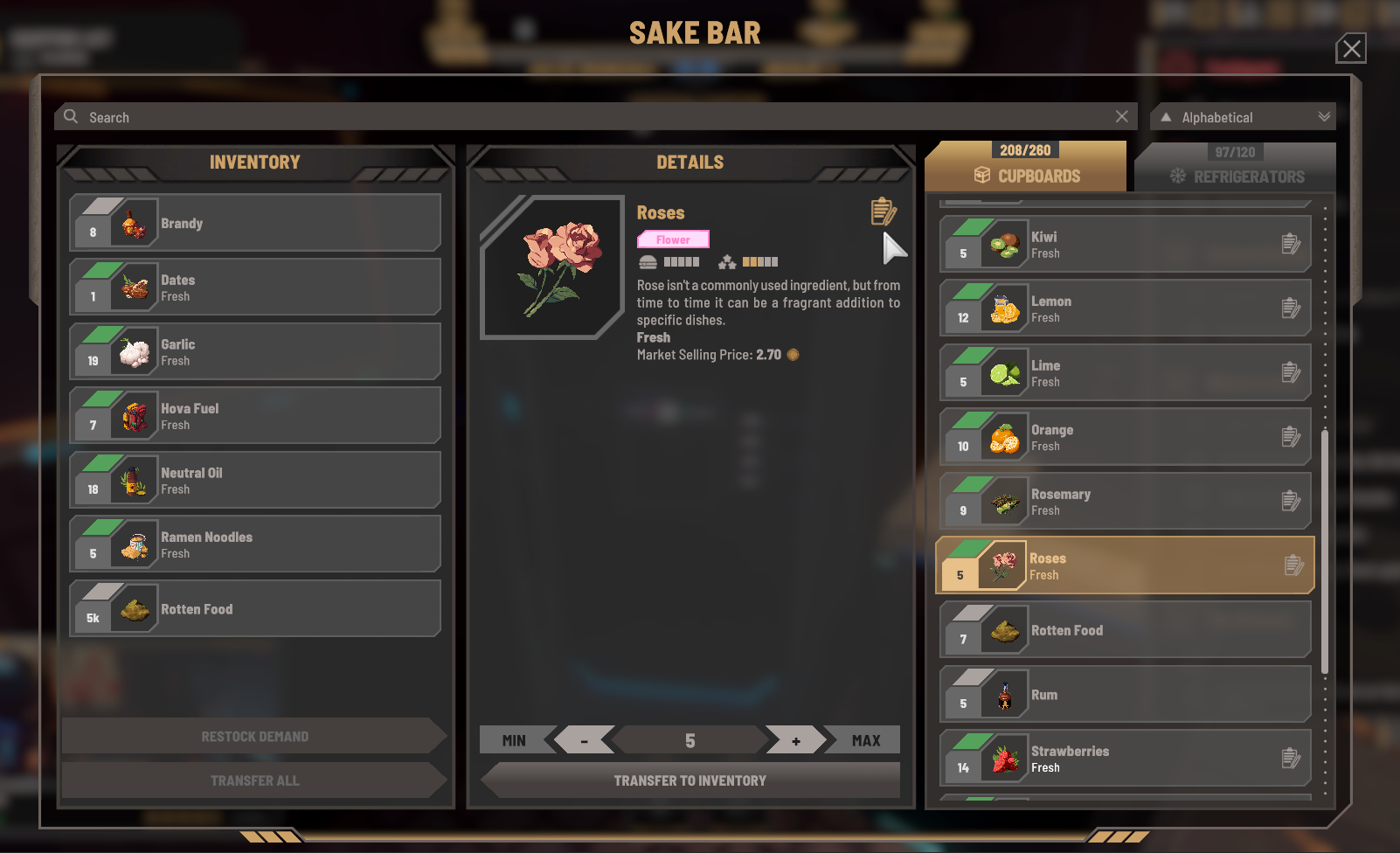
- Your venue inventory and transfer window now shows whether an ingredient is currently used for meals or drinks on your menu, making it easier to clear out items you no longer need
- New “Quest Marker Filtering” option in the gameplay settings. When enabled, the quest HUD, compass, map and in-world quest markers only show the quests pinned in your journal (venue setup reminders are still shown)
- Added new icons for each vendor type, making them easier to tell apart
- The game now stores up to 7 autosaves (once the limit is reached, each new autosave replaces the oldest one)
- Improved the amount of negative reviews that your venues receive from cancelled guest visits. These cancellations could be for many reasons. What does not count as a cancellation is when no food is being delivered or no orders are taken and the guest’s patience has run out.
- The Settings menu now reopens on the last tab you used
Fixes:
- Fixed an issue where ingredients set aside for an order were lost if the customer left before their meal was ready, which could slowly drain venue stock. These ingredients now go back to storage, and existing saves will fix themselves
- Recipes customised by the player no longer affect every venue in the city. Your recipe customisations now only apply to venues you own or rent, while other venues keep cooking, buying, pricing and choosing their menus based on the original recipes
- Fixed the skill influence on action speed for chefs
- Fixed cleaner happiness negatively affecting their work performance. Their movement and cleaning speed now correctly increase with their level and happiness
- Fixed the venue finances details screen showing another venue’s numbers (or blank tabs) for venues whose vending machines had made sales
- Fixed cost calculations in the venue finances details screen
- Fixed Squid Ink missing a configuration that prevented moving it to your venue storage
- Fixed an issue where the player could fall under the map after loading a save
- Fixed cases where characters couldn’t reach their spot correctly and kept walking in circles
- Fixed characters appearing inside furniture when it is placed on top of their idle spot
- Fixed cases where characters could spawn within the camera view
- Fixed multiple visual bugs related to characters
- Fixed the camera staying tilted after fast travelling to your boat or sleeping on it during rough weather
- Fixed the incorrect initial position of the photo mode camera
- Fixed stolen items not being put in the player inventory when carried to an apartment
- Fixed being able to sprint when carrying items with sprint mode set to “toggle”
- Various UI related tweaks and fixes
Optimizations
- The shopping list and venue restock objectives now update more efficiently, which should reduce stuttering in the late game, especially if you own several venues with large menus
- Significantly improved the performance of the entire venue management process
- When your PC is running low on memory, the game now releases the previous area from memory before loading the next one. Loading will take a little longer in this case, but it should reduce the risk of the game crashing when travelling to a new area
- Slightly reduced memory usage when travelling by taxi (the transition scene is now unloaded before the destination is loaded)
- Slightly reduced memory usage after a transition cinematic (assets used only by the cinematic are now released from memory)
New Graphics Settings
- Crowd Density: reduce how many background characters appear (lower it for a small performance boost)
- Hybrid CPU Optimization: improves performance on Intel processors with both Performance and Efficiency cores (12th gen Core and newer, including Core Ultra)
- Pooling: can now be turned off (this lowers memory usage but can cause more stuttering, so only turn it off if you’re running low on memory)
- Thunder Intensity: sets how bright lightning flashes are (lower it if you find the flashes uncomfortable)
- Brightness


